
# Hangfire 使用
官网:https://www.hangfire.io/ (opens new window)
GitHub:https://github.com/HangfireIO/Hangfire (opens new window)
# 项目引入(.Net Core 3.1)
PM> Install-Package Hangfire
也可以单独安装 Hangfire.AspNetCore,默认安装了 HangFire.SqlServer 来作为消息存储,也可以安装 Hangfire.Redis.StackExchange 来使用 Redis 作为存储。
在 Startup.cs 中添加以下代码使 Hangfire 生效
public void ConfigureServices(IServiceCollection services)
{
    services.AddHangfire(configuration =>
    {
        configuration.UseRedisStorage("127.0.0.1");
    });
    services.AddHangfireServer(); // 表示将运行这行代码的实例作为一个Server,来消费信息。即如果没有这一行该实例只能发任务消息,不能处理任务
}

public void Configure(IApplicationBuilder app, IWebHostEnvironment env)
{
    //app.UseHangfireServer(); // 这句也能达到 “services.AddHangfireServer()” 的效果
    app.UseHangfireDashboard();
}
注意:
services.AddHangfireServer();和app.UseHangfireDashboard();必须要有一个,不然程序会抛异常:JobStorage.Current property value has not been initialized...
官方模板
Sample ASP.NET Core Startup class
---------------------------------

using Microsoft.AspNetCore.Builder;
using Microsoft.Extensions.DependencyInjection;
using Hangfire;

namespace MyWebApplication
{
    public class Startup
    {
        public void ConfigureServices(IServiceCollection services)
        {
            services.AddHangfire(x => x.UseSqlServerStorage("<connection string>"));
            services.AddHangfireServer();
        }

        public void Configure(IApplicationBuilder app)
        {
            app.UseHangfireDashboard();
        }
    }
}


Sample OWIN Startup class
-------------------------

using Hangfire;
using Microsoft.Owin;
using Owin;

[assembly: OwinStartup(typeof(MyWebApplication.Startup))]

namespace MyWebApplication
{
    public class Startup
    {
        public void Configuration(IAppBuilder app)
        {
            GlobalConfiguration.Configuration
                .UseSqlServerStorage("<name or connection string>");

            app.UseHangfireDashboard();
            app.UseHangfireServer();
        }
    }
}
# 使用
默认情况下,打开运行实例的 /hangfire(开启了 Dashboard),会看到基本的页面,可以在该页面上查看运行情况、任务列表、历史任务运行结果等。
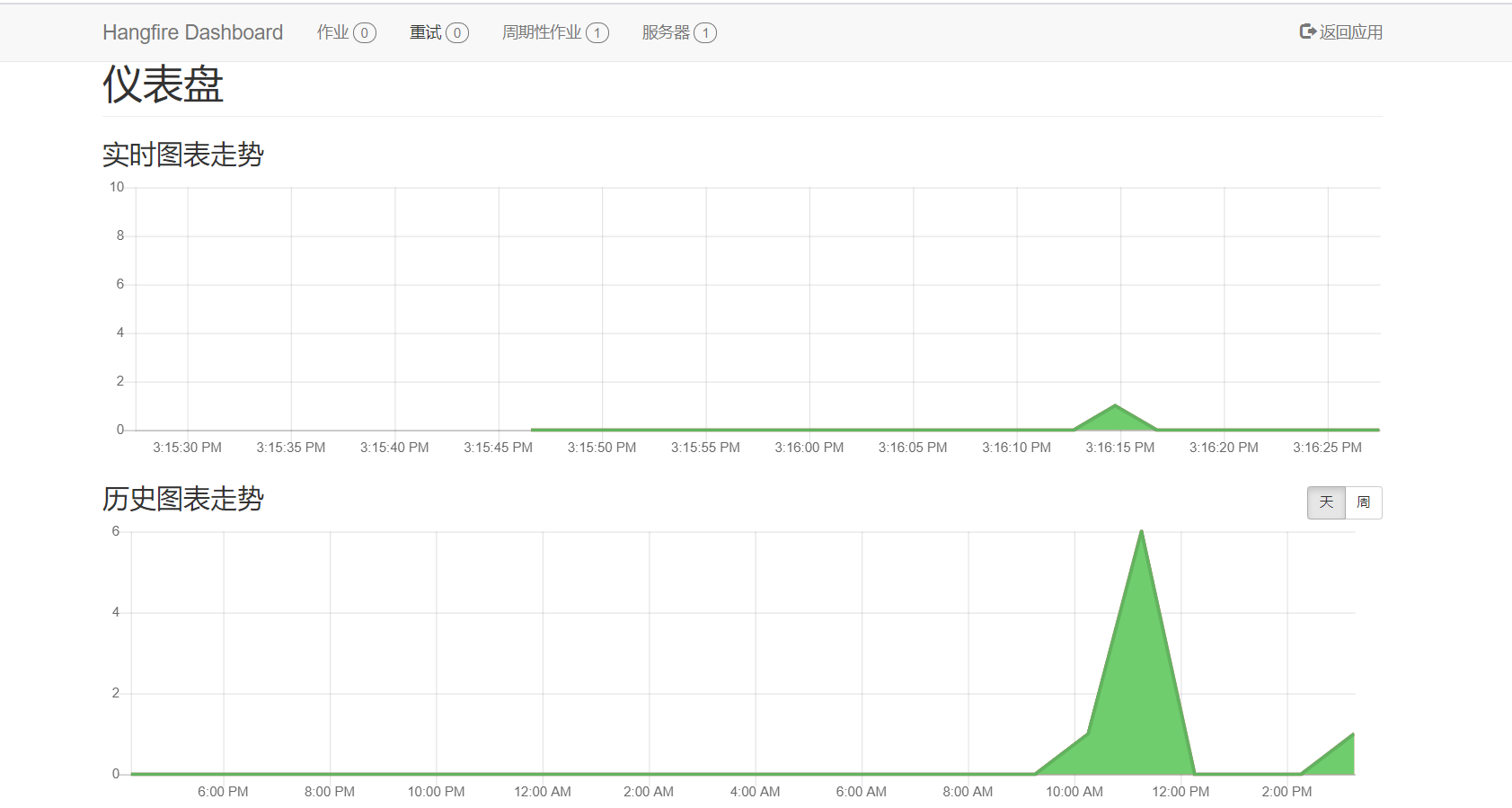
然后就可以在代码中发出任务消息->执行任务了
BackgroundJob.Enqueue(() => Console.WriteLine("Simple!")); // 立即执行

BackgroundJob.Schedule(() => Console.WriteLine("Reliable!"), TimeSpan.FromDays(7)); // 延时执行

RecurringJob.AddOrUpdate(() => Console.WriteLine("Transparent!"), Cron.Daily); // 重复执行